Redirect videos
Short, narrated walkthroughs. Each one shows a single setup in Redirect, the Chrome extension that sends distracting sites to your goals, in under a minute.
Students
Study setups that keep lectures and drop the feeds.
 Length 0:31
How to stop scrolling and start studying
Block the sites that steal your study time and land on your study goals instead. Breaks are still there, after a short task.
Watch the video → Length 0:27
Exam season: block everything except your lectures
Block YouTube, keep your lecture channels as allowed channels, and give the rule a study-hours schedule until your last exam.
Watch the video →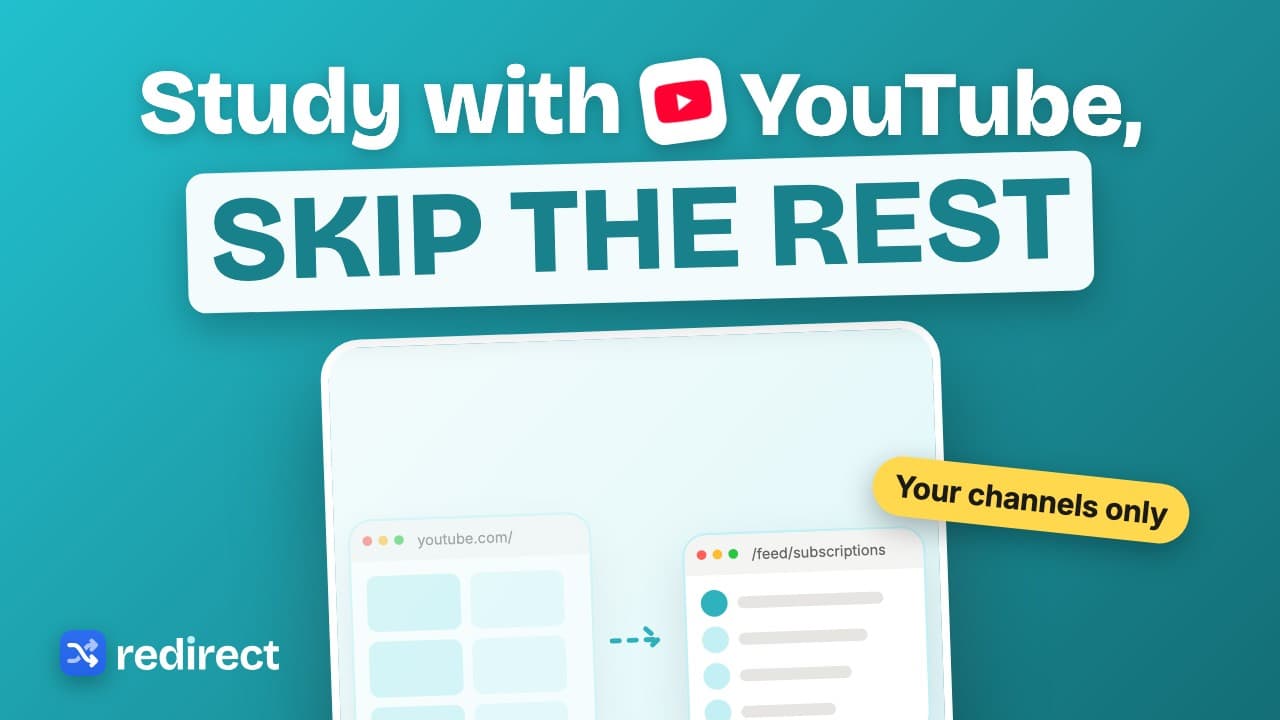 Length 0:25
How to study with YouTube without getting distracted
Block YouTube but allow your course channels: their videos play, Shorts and everything else lead back to your goals.
Watch the video →YouTube and Reels
Keep the parts of YouTube and Instagram you want, lose the loops.
 Length 0:24
The Chrome extension for YouTube distraction
Skip the YouTube home feed, turn off Shorts, keep the channels you choose, and put a short task before extra breaks.
Watch the video → Length 0:24
How to stop watching Reels on your laptop
One path rule for instagram.com/reels blocks the Reels loop, even when you tap in from inside the app. Messages and your profile keep working.
Watch the video → Length 0:27
How to quit YouTube without deleting your account
Block YouTube, keep a few channels you value, and write down why before watching anything else. Your past reasons are shown back to you.
Watch the video →Routines
Bedtime, work from home and deep work, set up once.
 Length 0:26
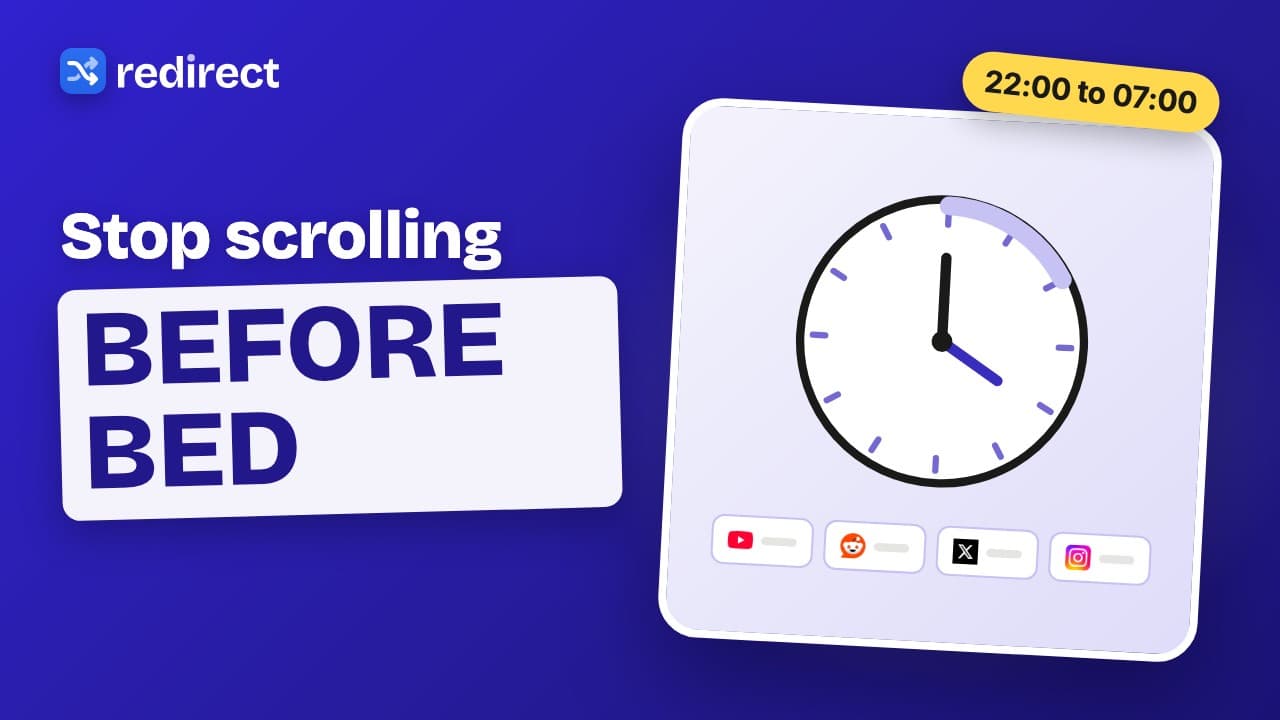
How to stop scrolling before bed (on your laptop)
Give your feeds an overnight schedule from 22:00 to 07:00. After ten you land on tomorrow’s goals, and breaks end on time.
Watch the video →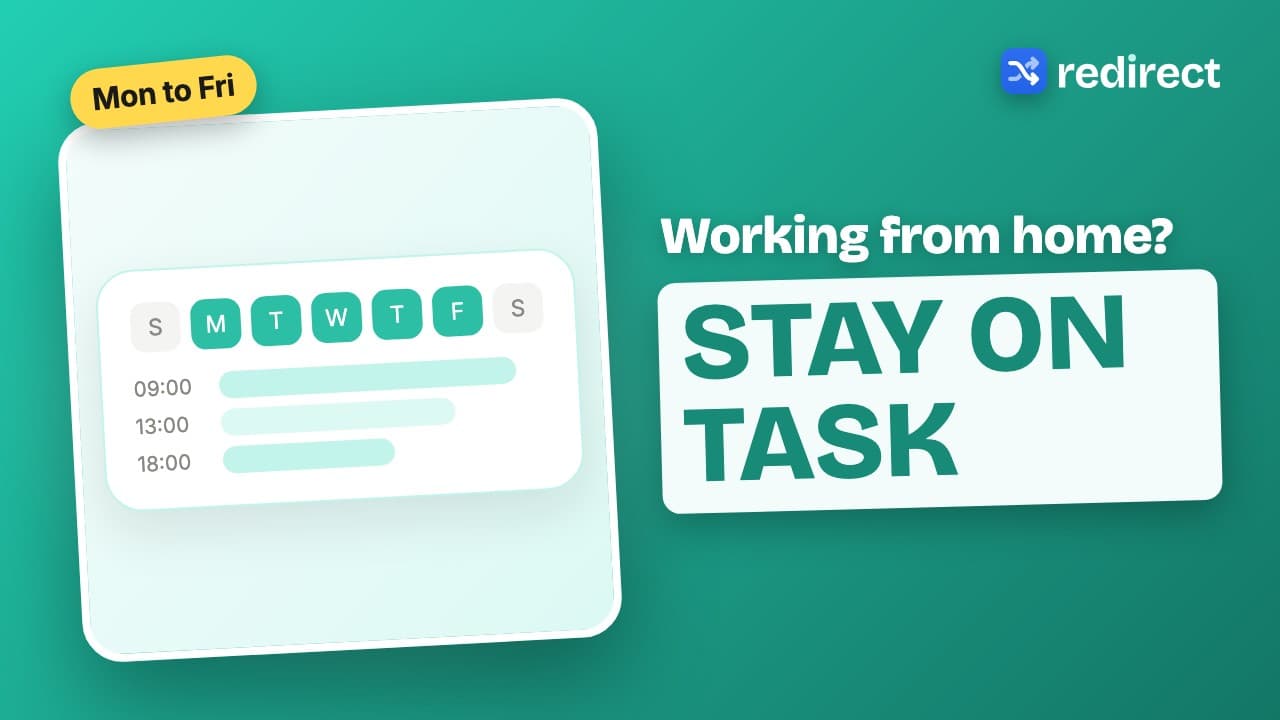 Length 0:25
How to focus when working from home
Write three goals, block your usual escapes during work hours, and write down why before a break. After work everything opens as normal.
Watch the video →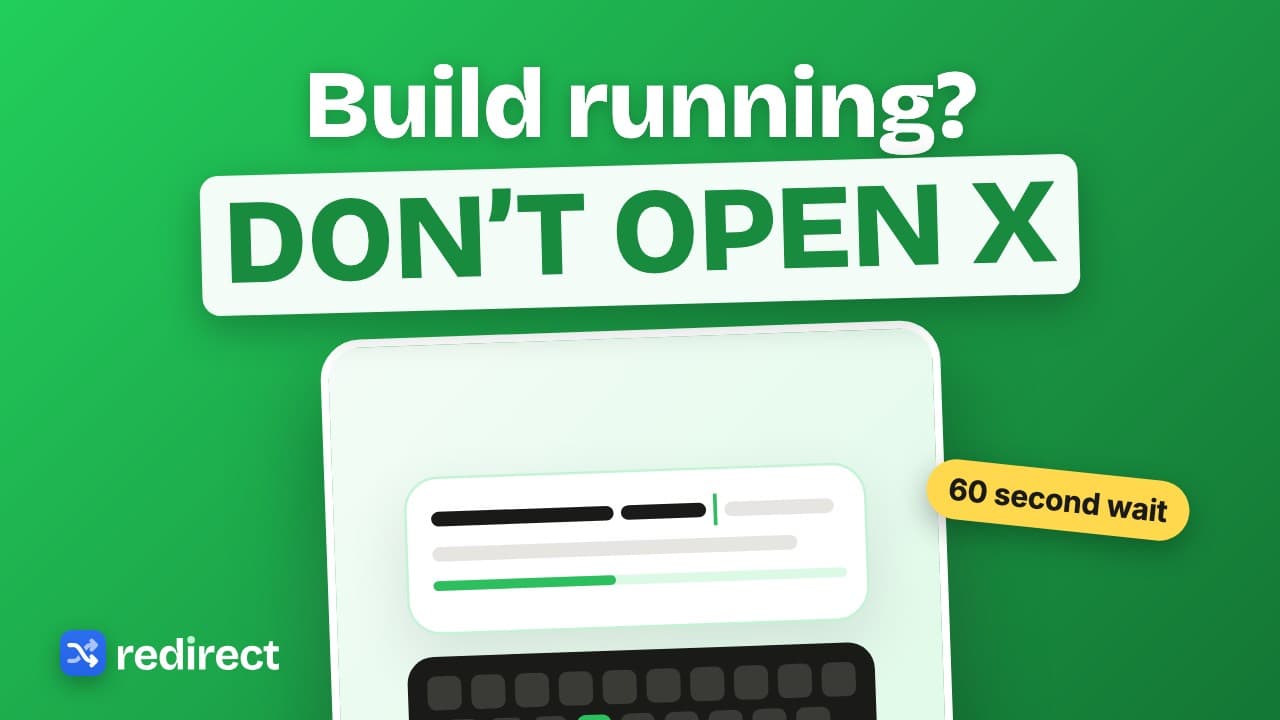 Length 0:26
Productivity tip for developers: kill the tab-switch reflex
Block X, Reddit and Hacker News while you code, and use a 60 second wait as your break task. By the time it is done, so is the build.
Watch the video →Habit science
Why you reach for a feed, and what actually changes it.
 Length 0:28
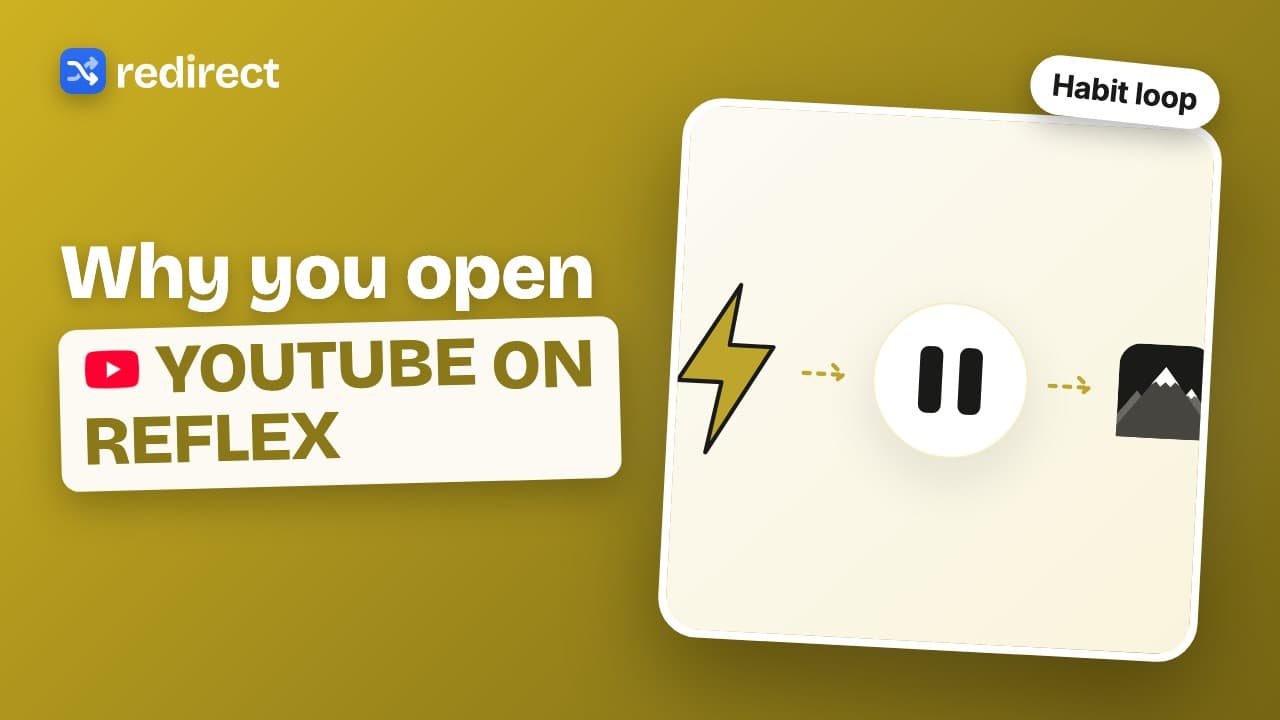
Why you open YouTube without thinking
A cue triggers a routine and a quick reward keeps the loop going. Change what happens after the cue: same click, but you land on your goals.
Watch the video → Length 0:27
Do not block distracting sites, redirect them
A blocked page says what you cannot do. A redirect gives you somewhere better to be: the same click now leads to your goals.
Watch the video → Length 0:28
A 7-day dopamine detox for your browser
One week away from endless feeds: block your top three on day one, add a task before breaks by day three, and look at your redirects on day seven.
Watch the video → Length 0:28
Why ten seconds of friction beats willpower
Put a small task between the urge to check a site and the site itself. The pause gives you a moment to decide, and often the urge fades; in a PNAS study of the app one sec, people closed the target app in 36% of attempts after a short pause.
Watch the video →Guides
Short walkthroughs that go with our written guides.
 Length 0:45
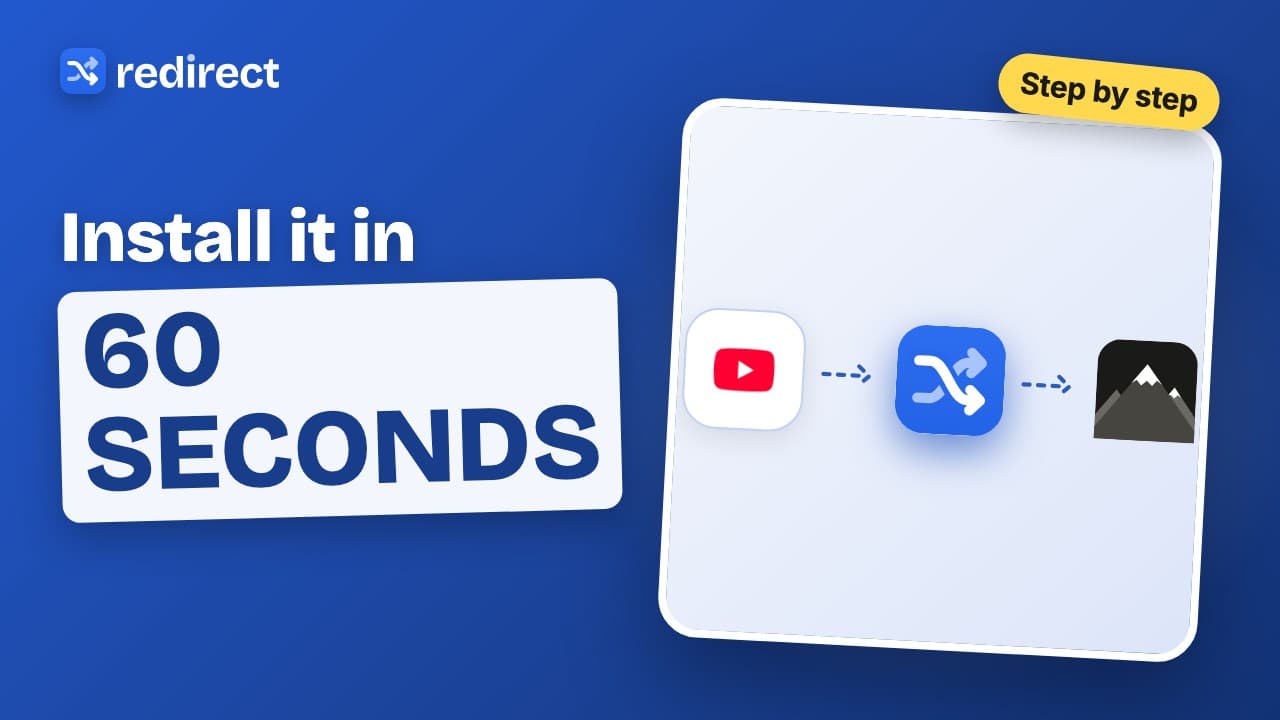
How to install Redirect
Install Redirect from the Chrome Web Store, pin it, add your first site, and the next time you open it you land on your goals instead.
Watch the video → Length 0:44
How to block websites on Chrome
Chrome has no built-in site blocker. Here is the simplest way: add the site to Redirect, choose the whole site, a path or a pattern, and you land on your goals instead.
Watch the video → Length 0:36
How to block YouTube Shorts on Chrome
Block only YouTube Shorts on your computer with one path rule, youtube.com/shorts. Regular videos, search and subscriptions keep working.
Watch the video → Length 0:39
How to stop doomscrolling on your computer
Doomscrolling rarely starts on purpose. Redirect catches you inside Instagram, X and Reddit, sends you to your goals, and makes every break cost a small task.
Watch the video → Length 0:36
How to block websites during work hours
Give a rule a schedule, Monday to Friday, nine to five, and the site is blocked only while you work. Each rule has its own hours, and overnight windows work too.
Watch the video →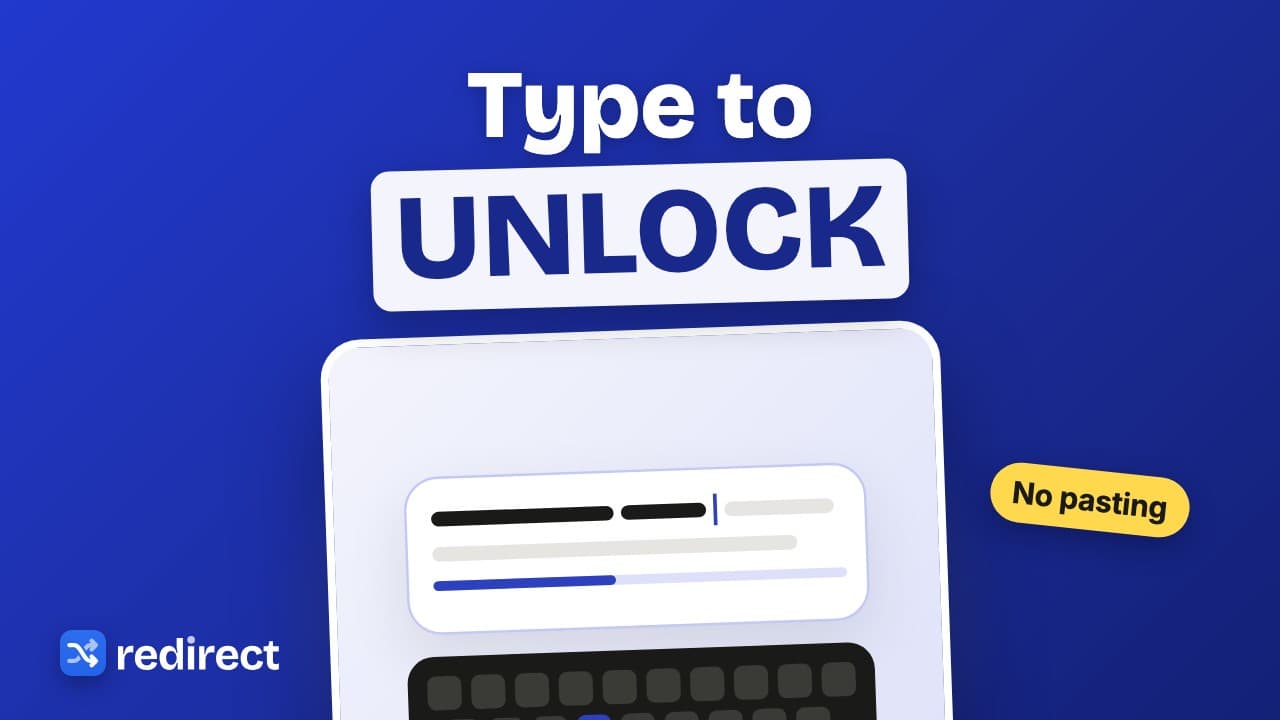 Length 0:40
A website blocker with a typing challenge
Redirect makes every break cost effort: type a short passage exactly, no pasting, then the site opens for the time you picked with a floating timer.
Watch the video → Length 0:30
How to block YouTube homepage recommendations
Block only the YouTube home page with a homepage-only pattern rule and land on your Subscriptions instead. Search and videos keep working.
Watch the video →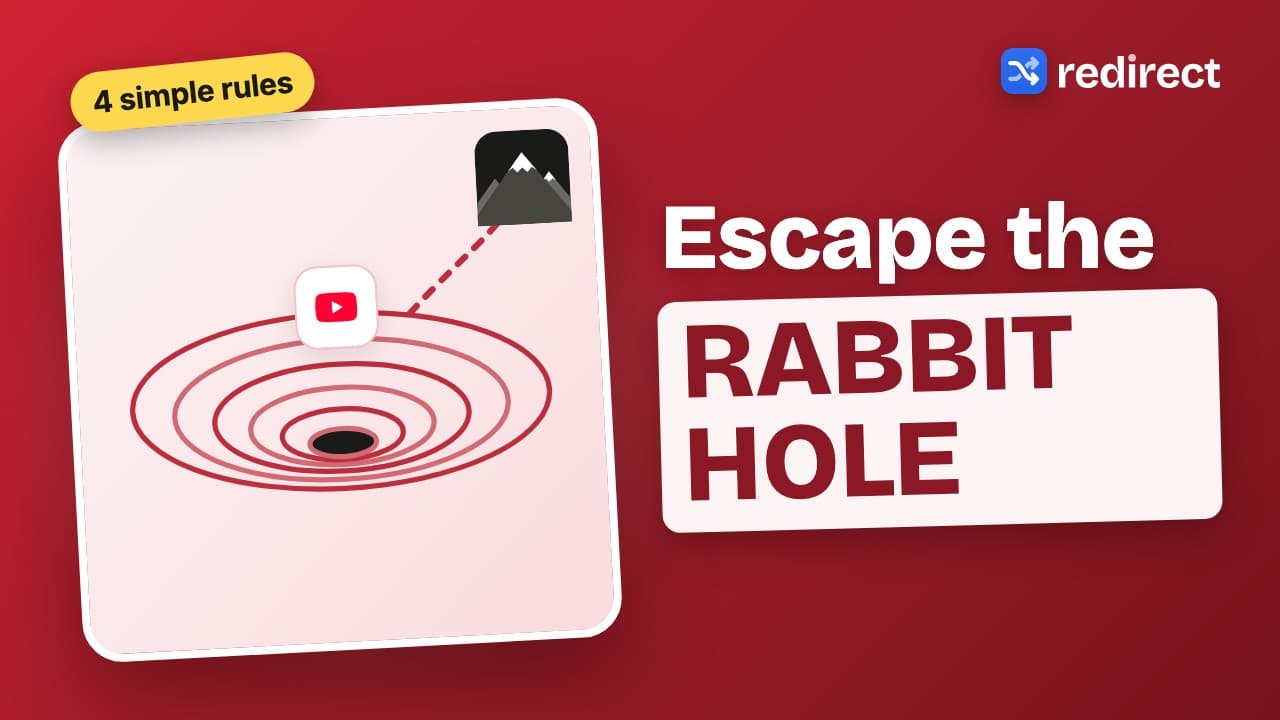 Length 0:33
How to stop the YouTube rabbit hole
Close the doors that pull you deeper: block Shorts with a path rule, send the home page to Subscriptions, allow the channels you learn from and cap breaks with a daily pause limit.
Watch the video →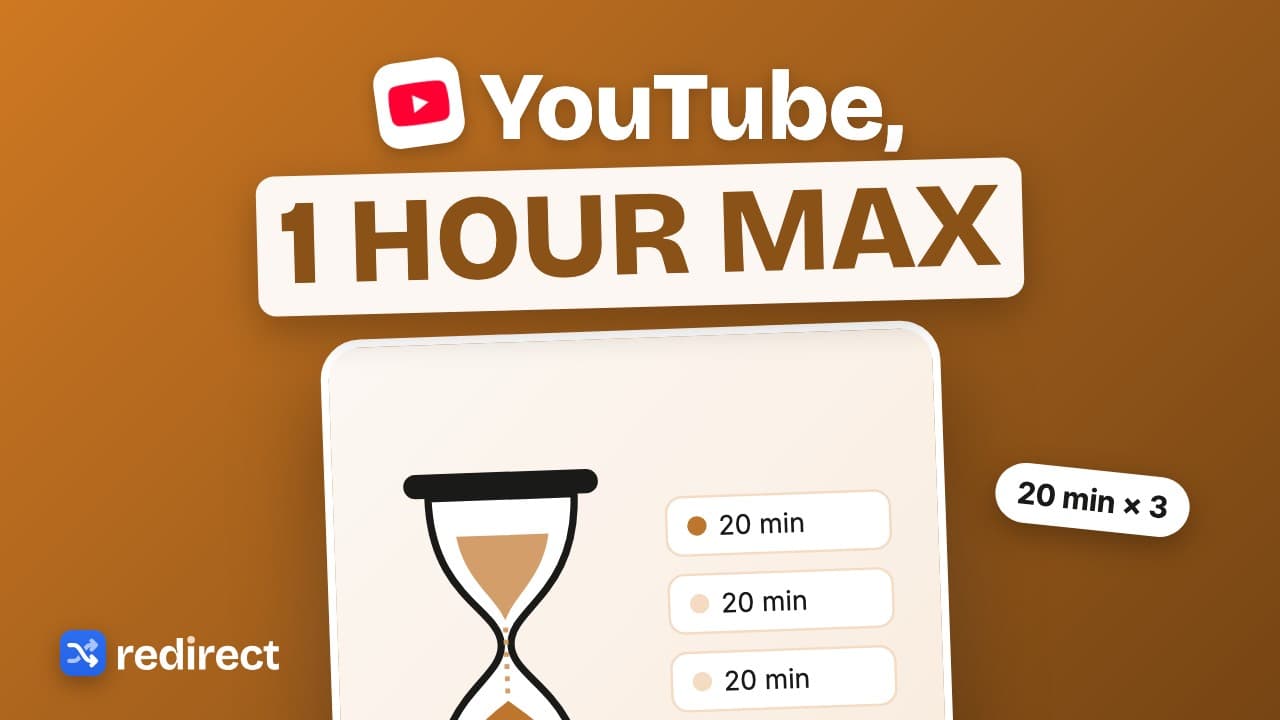 Length 0:34
How to limit YouTube time on Chrome
Set a daily YouTube cap: pause length times the daily pause limit. Twenty minute pauses, three a day, is one hour at most, with a floating timer showing what is left.
Watch the video →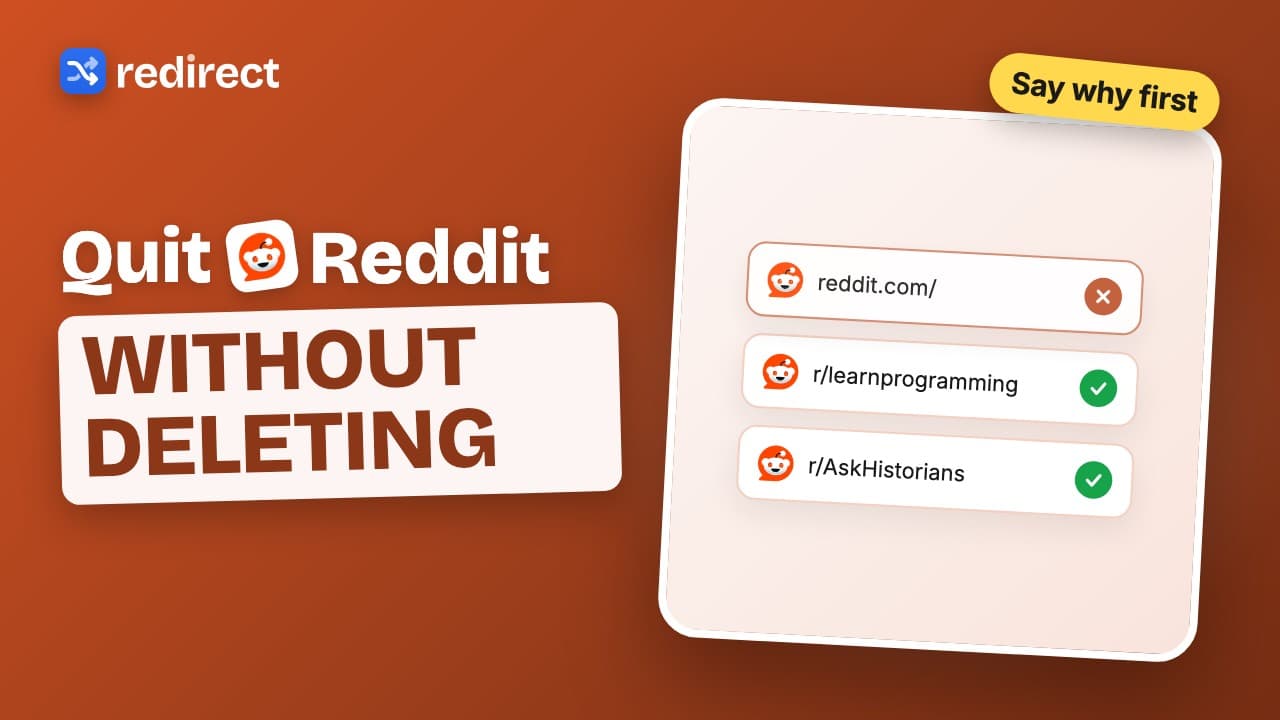 Length 0:32
How to quit Reddit on your computer
Block reddit.com, land on your goals instead, and make every visit start with a written reason. Your past reasons are shown back to you.
Watch the video → Length 0:31
How to stop procrastinating online
Write up to three goals, block the sites you escape to, and the next time you slip your goals are what you see. Add a schedule for work hours.
Watch the video → Length 0:28
A website blocker that works with ADHD
For impulsive clicks, a gentle detour works better than a wall: land on your goals, take breaks after a breathing pause or a 60 second wait, and get sent back when the break ends.
Watch the video → Length 0:30
A website blocker with a password? Try this instead
A password on your own blocker only works if you forget it. Redirect uses effort instead: a task before every break, a long paragraph to turn everything off, and a daily pause limit.
Watch the video → Length 0:32
Is Redirect safe? What it can see and why
Redirect is a focus extension, not a redirect virus. Install it from the official Chrome Web Store listing, see what each permission is for, and know your data stays in your browser.
Watch the video → Length 0:32
Why website blockers do not work, and what does
A wall invites workarounds. Redirect sends you to your goals instead, adds a small task before breaks, and brings you back when a break ends.
Watch the video →