Exam season: block everything except your lectures
Block YouTube, keep your lecture channels as allowed channels, and give the rule a study-hours schedule until your last exam.
What the video shows
- 1
In Redirect, block YouTube as a whole site.
- 2
Then allow the channels you actually learn from, like your lecture recordings or TED.
- 3
Give the rule a schedule for your study hours, every day until your last exam.
- 4
Everything else sends you back to your goals.
Read the transcript
Exam season, and every video is one click away. Here is how to keep only what helps you study. In Redirect, block YouTube as a whole site. Then allow the channels you actually learn from, like your lecture recordings or TED. Give the rule a schedule for your study hours, every day until your last exam. Everything else sends you back to your goals. Get Redirect at heyredirect.com.
Related

Close the tab. Open your goals.
Redirect sends distracting sites to the goals you wrote down, and makes every pause a choice.
More videos
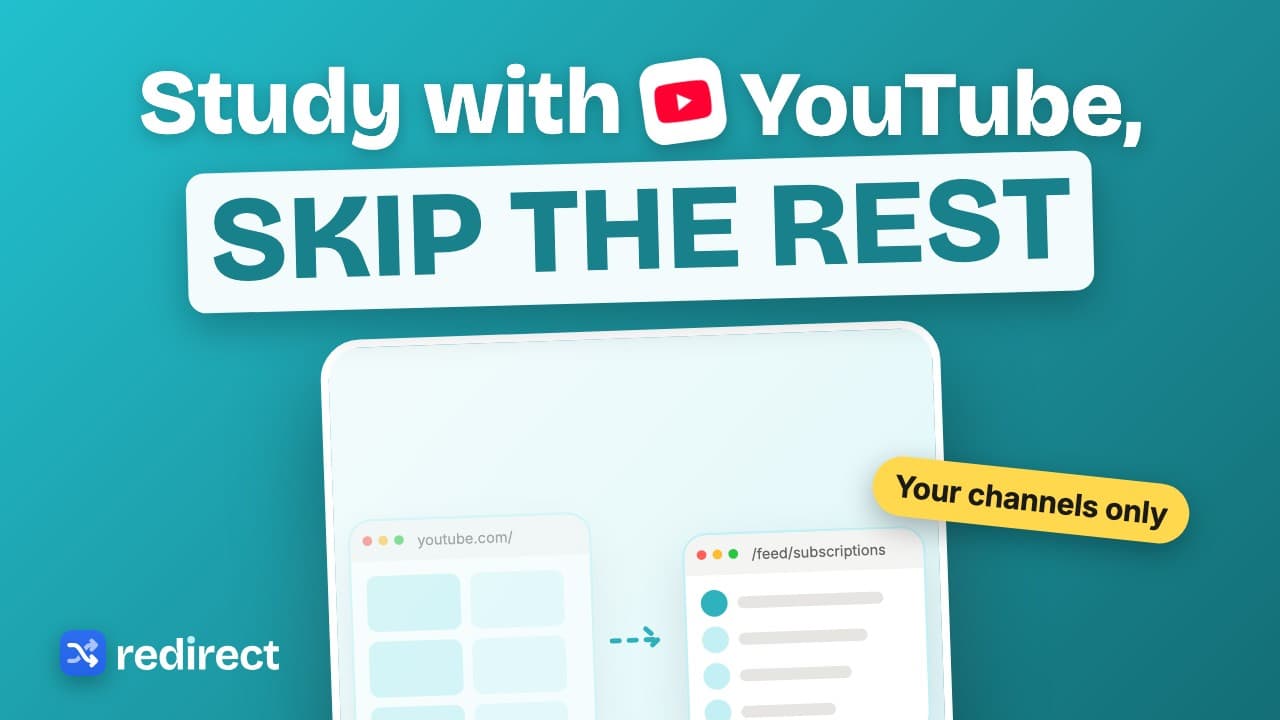 Length 0:25
How to study with YouTube without getting distracted
Block YouTube but allow your course channels: their videos play, Shorts and everything else lead back to your goals.
Watch the video →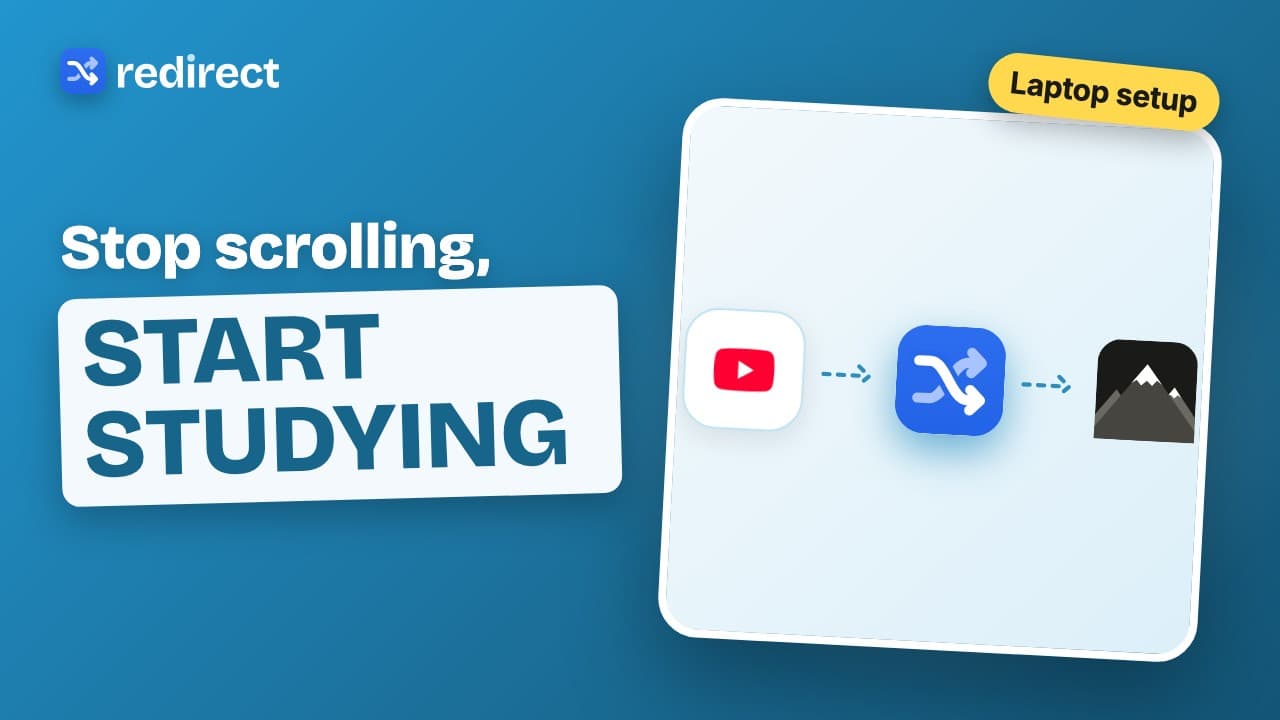 Length 0:31
How to stop scrolling and start studying
Block the sites that steal your study time and land on your study goals instead. Breaks are still there, after a short task.
Watch the video → Length 0:39
How to stop doomscrolling on your computer
Doomscrolling rarely starts on purpose. Redirect catches you inside Instagram, X and Reddit, sends you to your goals, and makes every break cost a small task.
Watch the video →