How to limit YouTube time on Chrome
Set a daily YouTube cap: pause length times the daily pause limit. Twenty minute pauses, three a day, is one hour at most, with a floating timer showing what is left.
What the video shows
- 1
Block YouTube, then choose how long a pause can be, and how many pauses you allow each day.
- 2
Twenty minute pauses, three times a day, means one hour at most.
- 3
Each pause starts with a small task, so every extra minute is a choice.
- 4
While you watch, a small floating timer shows what is left.
- 5
When it runs out, Redirect sends you back to your goals, right away.
Read the transcript
Want an hour of YouTube a day, not four? Here is how to set a daily cap with Redirect. Block YouTube, then choose how long a pause can be, and how many pauses you allow each day. Twenty minute pauses, three times a day, means one hour at most. Each pause starts with a small task, so every extra minute is a choice. While you watch, a small floating timer shows what is left. When it runs out, Redirect sends you back to your goals, right away. Get Redirect at heyredirect.com.
Related

Close the tab. Open your goals.
Redirect sends distracting sites to the goals you wrote down, and makes every pause a choice.
More videos
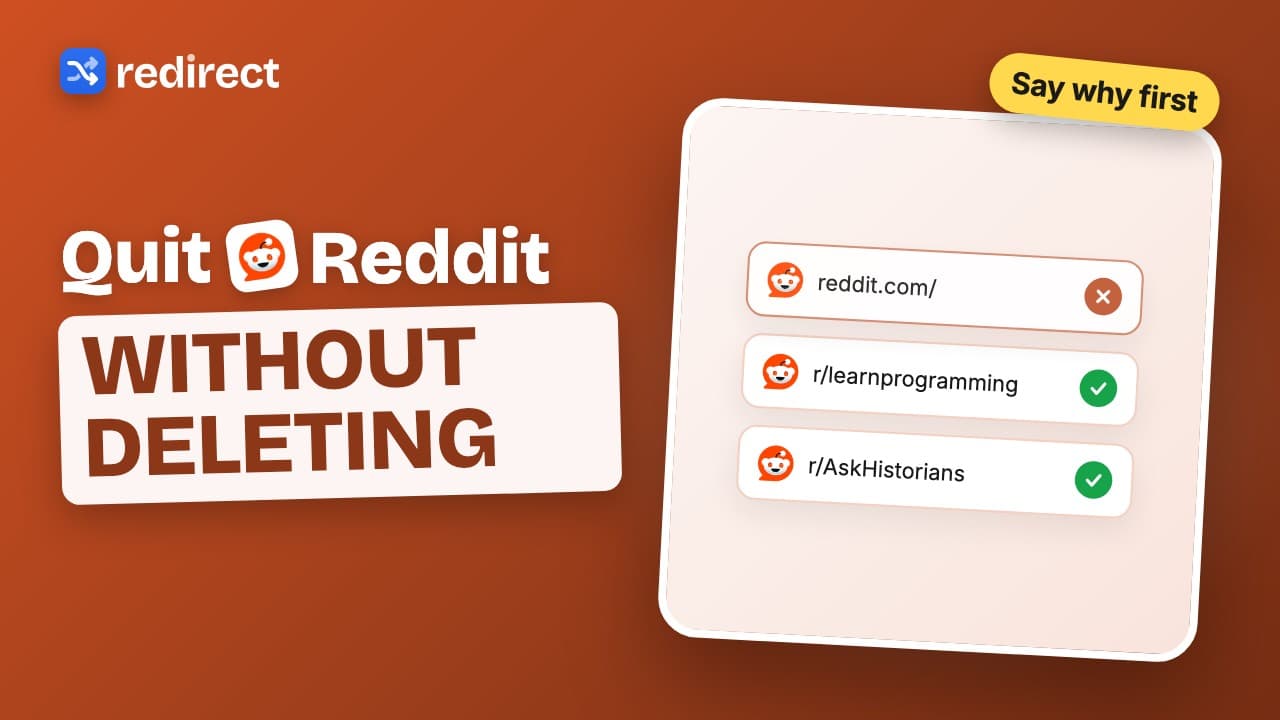 Length 0:32
How to quit Reddit on your computer
Block reddit.com, land on your goals instead, and make every visit start with a written reason. Your past reasons are shown back to you.
Watch the video → Length 0:31
How to stop procrastinating online
Write up to three goals, block the sites you escape to, and the next time you slip your goals are what you see. Add a schedule for work hours.
Watch the video →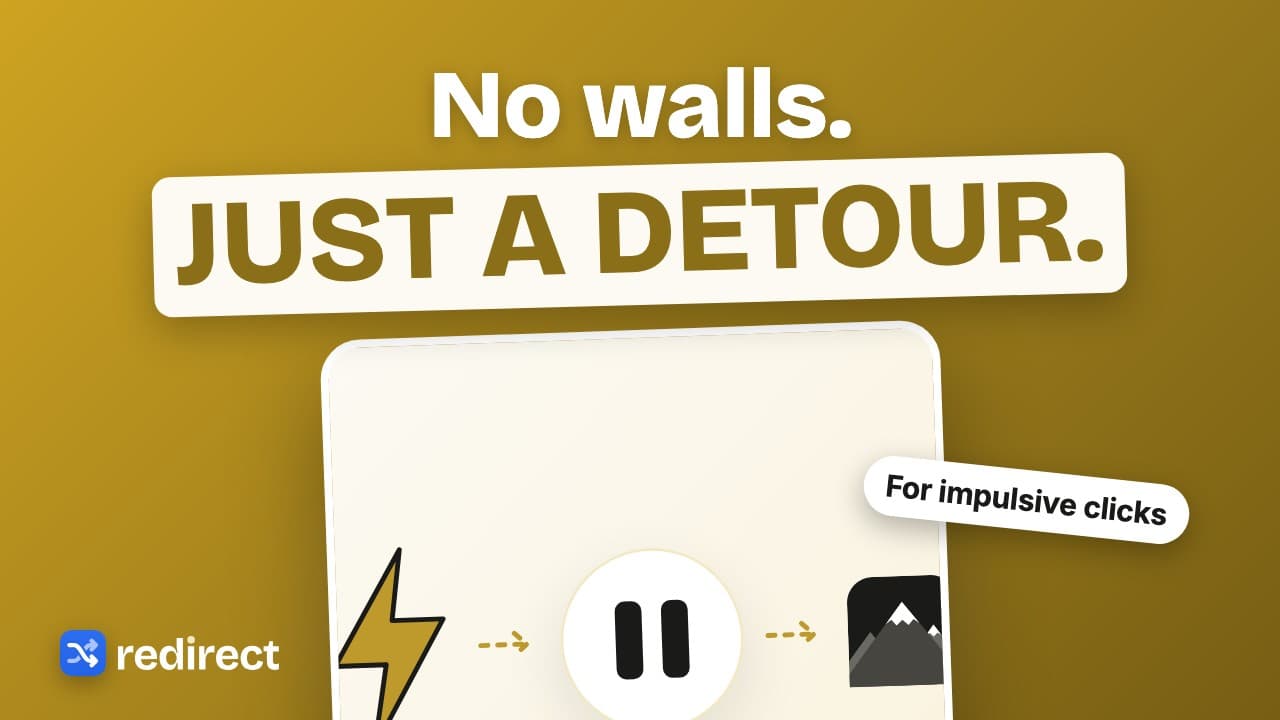 Length 0:28
A website blocker that works with ADHD
For impulsive clicks, a gentle detour works better than a wall: land on your goals, take breaks after a breathing pause or a 60 second wait, and get sent back when the break ends.
Watch the video →