Is Redirect safe? What it can see and why
Redirect is a focus extension, not a redirect virus. Install it from the official Chrome Web Store listing, see what each permission is for, and know your data stays in your browser.
What the video shows
- 1
Install it only from the official Chrome Web Store listing, and check the extension ID matches.
- 2
It needs to see tab addresses and change pages, so it can send blocked sites to your goals.
- 3
Your rules, goals and stats stay in your browser. No account, no analytics.
- 4
You can export your rules to a file any time, and removing the extension deletes everything.
Read the transcript
Redirect is a focus extension, not a redirect virus. Here is exactly what it can do. Install it only from the official Chrome Web Store listing, and check the extension ID matches. It needs to see tab addresses and change pages, so it can send blocked sites to your goals. Your rules, goals and stats stay in your browser. No account, no analytics. You can export your rules to a file any time, and removing the extension deletes everything. Get Redirect at heyredirect.com.
Related

Close the tab. Open your goals.
Redirect sends distracting sites to the goals you wrote down, and makes every pause a choice.
More videos
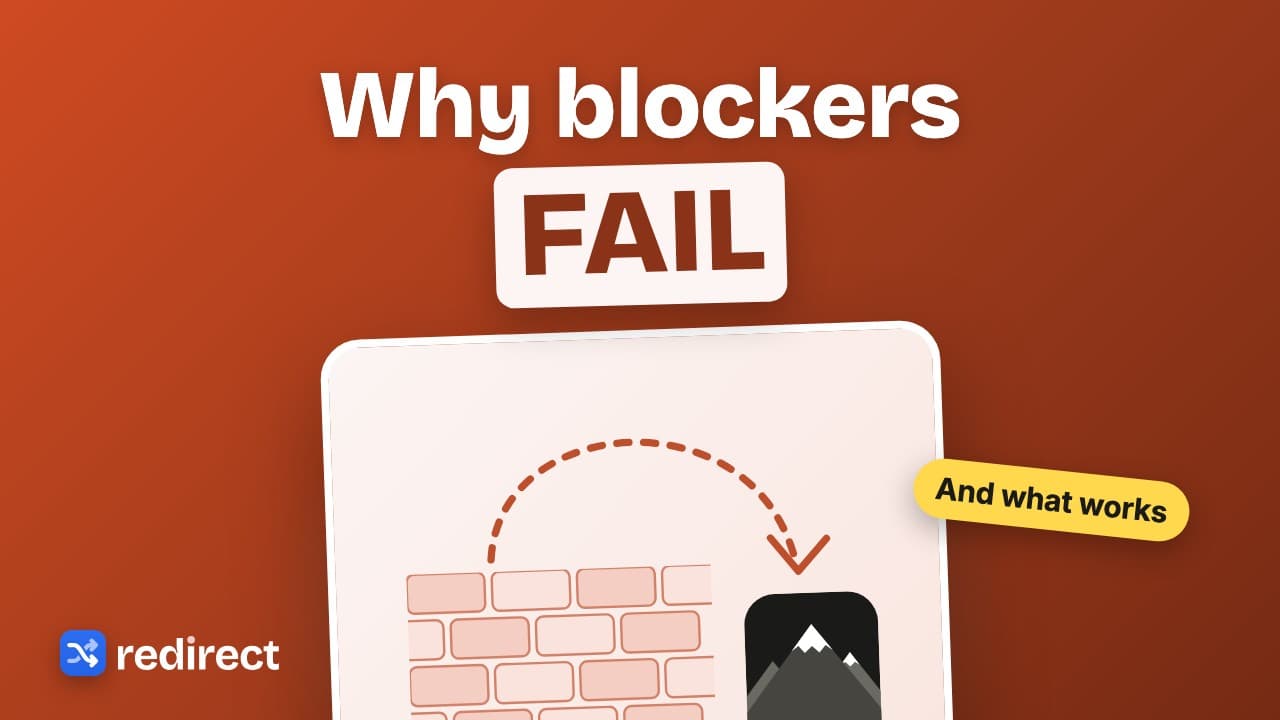 Length 0:32
Why website blockers do not work, and what does
A wall invites workarounds. Redirect sends you to your goals instead, adds a small task before breaks, and brings you back when a break ends.
Watch the video →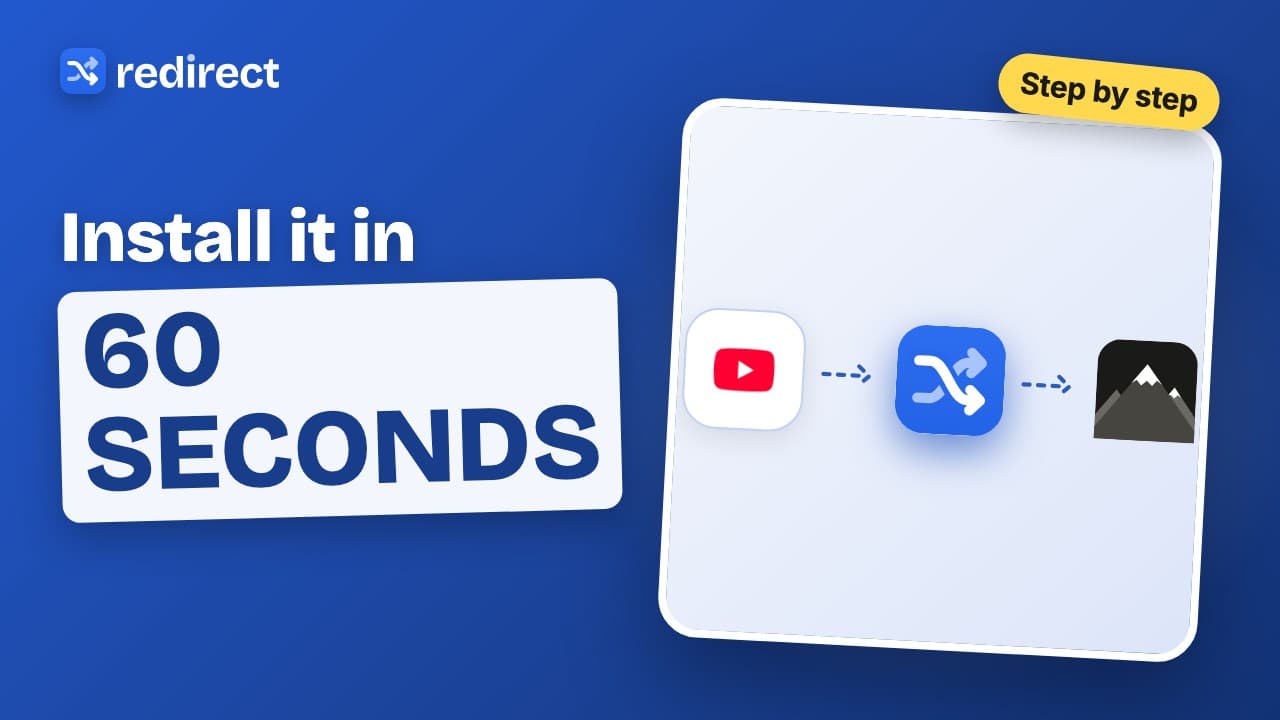 Length 0:45
How to install Redirect
Install Redirect from the Chrome Web Store, pin it, add your first site, and the next time you open it you land on your goals instead.
Watch the video →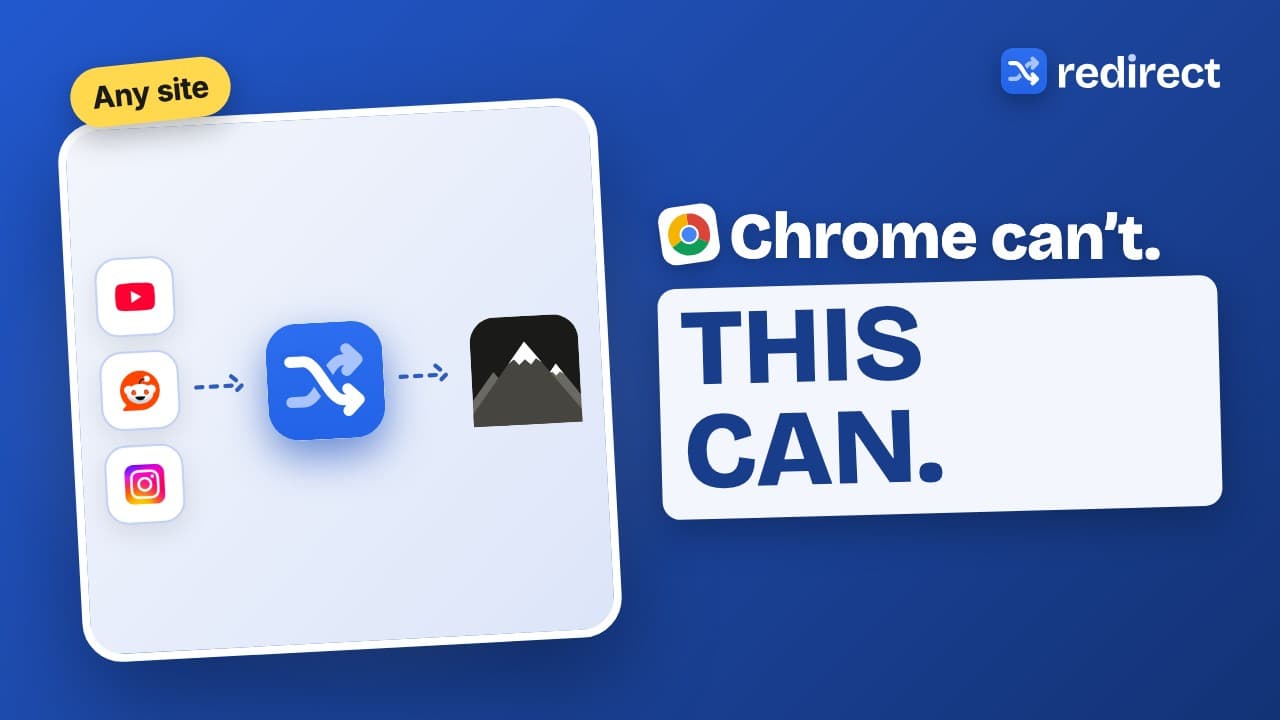 Length 0:44
How to block websites on Chrome
Chrome has no built-in site blocker. Here is the simplest way: add the site to Redirect, choose the whole site, a path or a pattern, and you land on your goals instead.
Watch the video →