A website blocker with a typing challenge
Redirect makes every break cost effort: type a short passage exactly, no pasting, then the site opens for the time you picked with a floating timer.
What the video shows
- 1
In Redirect, open a rule, and under Pauses, choose Type a paragraph.
- 2
Pick the pause lengths you allow, like ten or twenty minutes, and set a daily pause limit if you want one.
- 3
Now, to take a break, you type a short passage exactly, punctuation included. Pasting does not work.
- 4
Finish it, and the site opens for the time you picked, with a small floating timer showing what is left.
- 5
Not your style? Try a reason prompt, a math challenge, a breathing pause, or a 60 second wait instead.
Read the transcript
The easiest blocker to beat is one you can switch off in one click. A typing challenge adds just enough effort. In Redirect, open a rule, and under Pauses, choose Type a paragraph. Pick the pause lengths you allow, like ten or twenty minutes, and set a daily pause limit if you want one. Now, to take a break, you type a short passage exactly, punctuation included. Pasting does not work. Finish it, and the site opens for the time you picked, with a small floating timer showing what is left. Not your style? Try a reason prompt, a math challenge, a breathing pause, or a 60 second wait instead. Get Redirect at heyredirect.com.
Related

Close the tab. Open your goals.
Redirect sends distracting sites to the goals you wrote down, and makes every pause a choice.
More videos
 Length 0:30
How to block YouTube homepage recommendations
Block only the YouTube home page with a homepage-only pattern rule and land on your Subscriptions instead. Search and videos keep working.
Watch the video → Length 0:33
How to stop the YouTube rabbit hole
Close the doors that pull you deeper: block Shorts with a path rule, send the home page to Subscriptions, allow the channels you learn from and cap breaks with a daily pause limit.
Watch the video →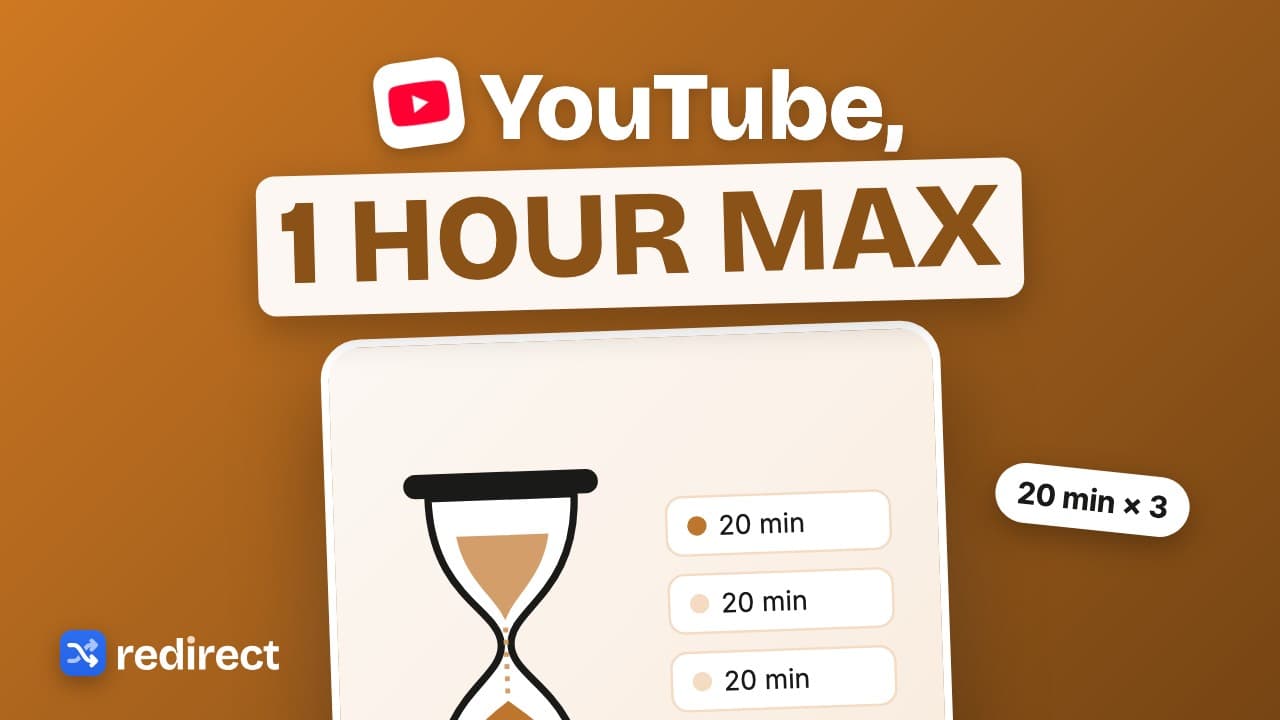 Length 0:34
How to limit YouTube time on Chrome
Set a daily YouTube cap: pause length times the daily pause limit. Twenty minute pauses, three a day, is one hour at most, with a floating timer showing what is left.
Watch the video →