How to block websites on Chrome
Chrome has no built-in site blocker. Here is the simplest way: add the site to Redirect, choose the whole site, a path or a pattern, and you land on your goals instead.
What the video shows
- 1
Install Redirect from the Chrome Web Store and pin it to your toolbar.
- 2
Open it and add a site in one click from Recommended, or type any address, like reddit.com.
- 3
Choose how much to block: the whole site, a specific path like YouTube Shorts, or a pattern for advanced rules.
- 4
Now when you open that site, you do not hit a wall. You land on your Focus page, with your goals right there.
- 5
If you really need it, take a pause. You pick how long, and Redirect asks for a small task first, so you only go in on purpose.
Read the transcript
Chrome has no built-in way to block a website. Here is the simplest way to do it, with Redirect. Install Redirect from the Chrome Web Store and pin it to your toolbar. Open it and add a site in one click from Recommended, or type any address, like reddit.com. Choose how much to block: the whole site, a specific path like YouTube Shorts, or a pattern for advanced rules. Now when you open that site, you do not hit a wall. You land on your Focus page, with your goals right there. If you really need it, take a pause. You pick how long, and Redirect asks for a small task first, so you only go in on purpose. Redirect works in Chrome, Edge, Brave and Arc. Get it at heyredirect.com.
Related

Close the tab. Open your goals.
Redirect sends distracting sites to the goals you wrote down, and makes every pause a choice.
More videos
 Length 0:36
How to block YouTube Shorts on Chrome
Block only YouTube Shorts on your computer with one path rule, youtube.com/shorts. Regular videos, search and subscriptions keep working.
Watch the video → Length 0:39
How to stop doomscrolling on your computer
Doomscrolling rarely starts on purpose. Redirect catches you inside Instagram, X and Reddit, sends you to your goals, and makes every break cost a small task.
Watch the video →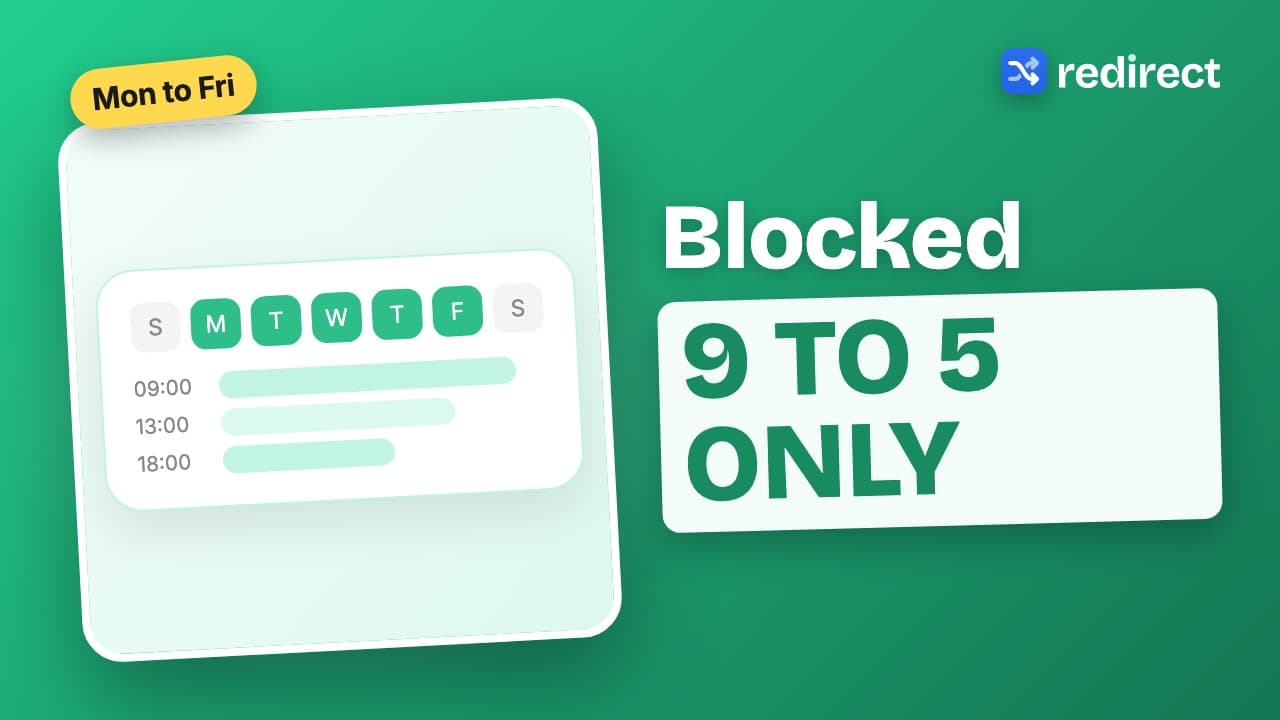 Length 0:36
How to block websites during work hours
Give a rule a schedule, Monday to Friday, nine to five, and the site is blocked only while you work. Each rule has its own hours, and overnight windows work too.
Watch the video →