How to block YouTube homepage recommendations
Block only the YouTube home page with a homepage-only pattern rule and land on your Subscriptions instead. Search and videos keep working.
What the video shows
- 1
In Redirect, add a pattern rule for the YouTube home page only, and point it at your Subscriptions page.
- 2
Want fewer Shorts too? Add a second rule for youtube.com/shorts.
- 3
Now opening YouTube takes you straight to the channels you chose, not the algorithm.
- 4
Search, videos and your subscriptions all keep working as normal.
Read the transcript
You open YouTube for one video, and the homepage feed picks the next ten. Here is how to skip it. In Redirect, add a pattern rule for the YouTube home page only, and point it at your Subscriptions page. Want fewer Shorts too? Add a second rule for youtube.com/shorts. Now opening YouTube takes you straight to the channels you chose, not the algorithm. Search, videos and your subscriptions all keep working as normal. Get Redirect at heyredirect.com.
Related

Close the tab. Open your goals.
Redirect sends distracting sites to the goals you wrote down, and makes every pause a choice.
More videos
 Length 0:33
How to stop the YouTube rabbit hole
Close the doors that pull you deeper: block Shorts with a path rule, send the home page to Subscriptions, allow the channels you learn from and cap breaks with a daily pause limit.
Watch the video →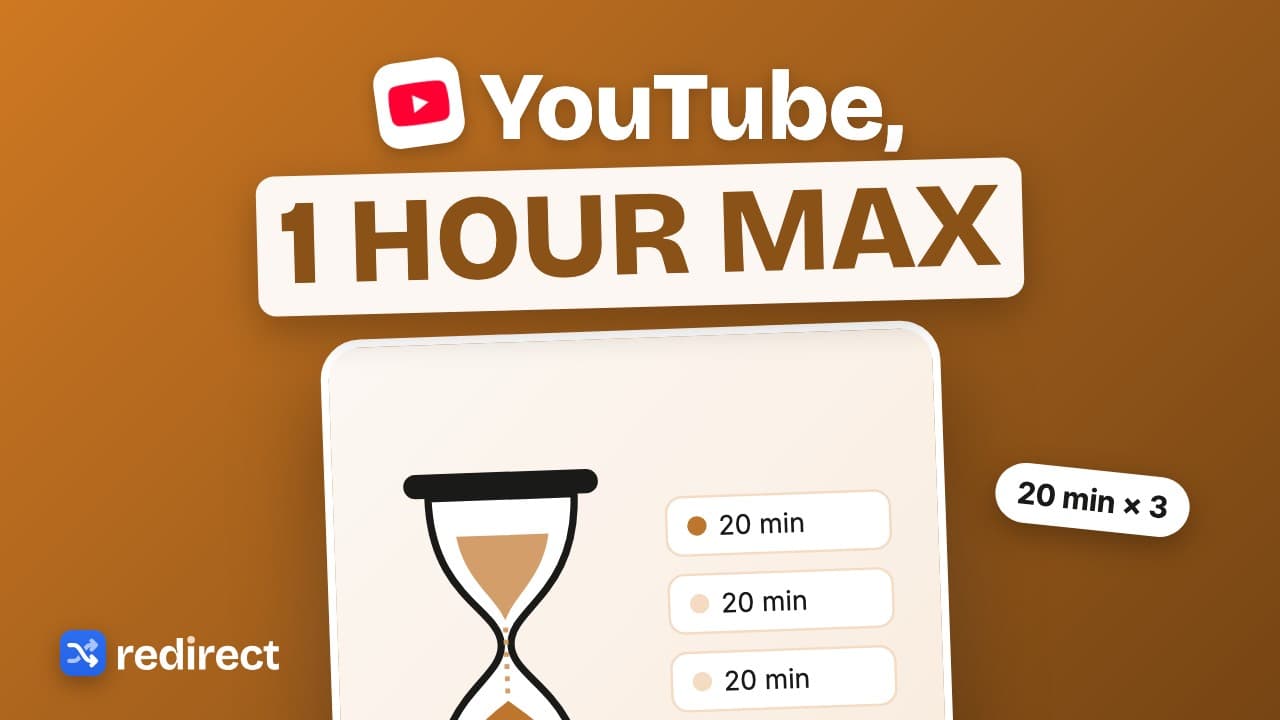 Length 0:34
How to limit YouTube time on Chrome
Set a daily YouTube cap: pause length times the daily pause limit. Twenty minute pauses, three a day, is one hour at most, with a floating timer showing what is left.
Watch the video →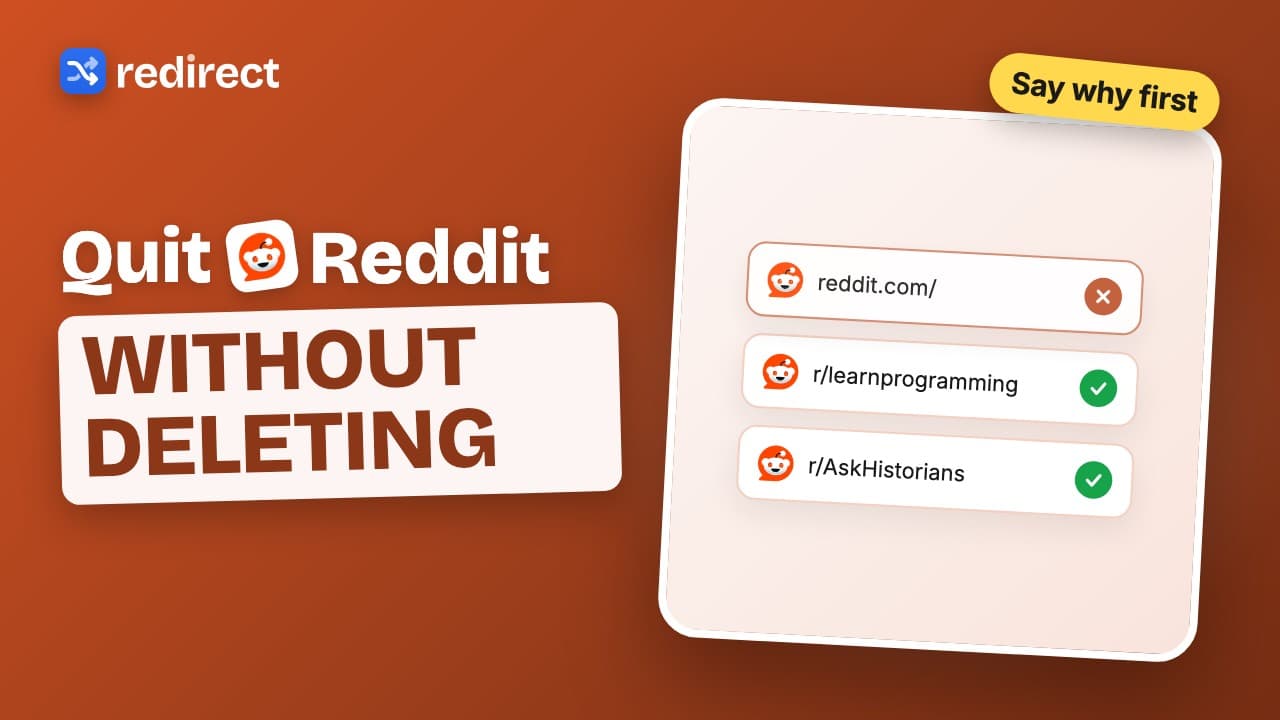 Length 0:32
How to quit Reddit on your computer
Block reddit.com, land on your goals instead, and make every visit start with a written reason. Your past reasons are shown back to you.
Watch the video →