How to stop watching Reels on your laptop
One path rule for instagram.com/reels blocks the Reels loop, even when you tap in from inside the app. Messages and your profile keep working.
What the video shows
- 1
In Redirect, add a rule for instagram.com/reels.
- 2
Tap into Reels from anywhere inside the app, and Redirect catches it, even without a page reload.
- 3
Messages and your profile still work. Only the Reels loop is gone.
Read the transcript
You open Instagram to reply to a message, and twenty Reels later you forgot why. In Redirect, add a rule for instagram.com/reels. Tap into Reels from anywhere inside the app, and Redirect catches it, even without a page reload. Messages and your profile still work. Only the Reels loop is gone. Get Redirect at heyredirect.com.
Related

Close the tab. Open your goals.
Redirect sends distracting sites to the goals you wrote down, and makes every pause a choice.
More videos
 Length 0:27
How to quit YouTube without deleting your account
Block YouTube, keep a few channels you value, and write down why before watching anything else. Your past reasons are shown back to you.
Watch the video →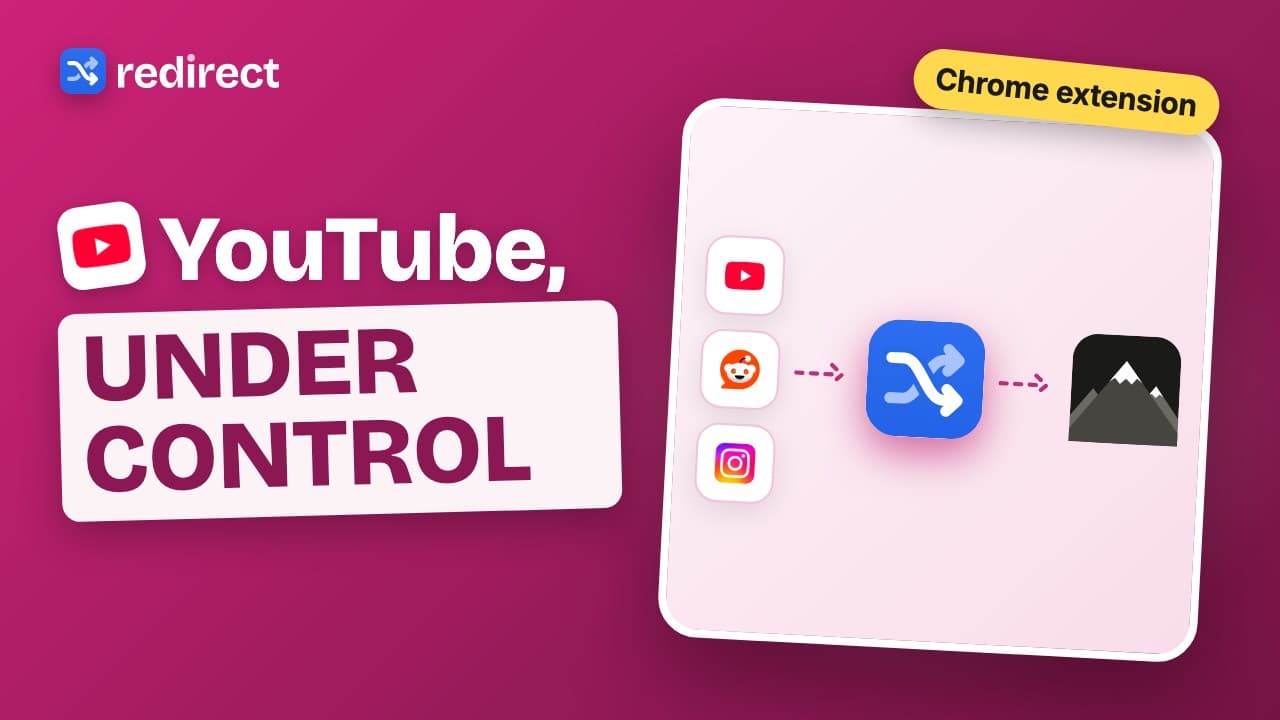 Length 0:24
The Chrome extension for YouTube distraction
Skip the YouTube home feed, turn off Shorts, keep the channels you choose, and put a short task before extra breaks.
Watch the video → Length 0:39
How to stop doomscrolling on your computer
Doomscrolling rarely starts on purpose. Redirect catches you inside Instagram, X and Reddit, sends you to your goals, and makes every break cost a small task.
Watch the video →