A website blocker with a password? Try this instead
A password on your own blocker only works if you forget it. Redirect uses effort instead: a task before every break, a long paragraph to turn everything off, and a daily pause limit.
What the video shows
- 1
Every break asks for a task first, like typing a paragraph exactly.
- 2
Turning off all redirects means typing a long paragraph, and loosening a rule goes through its task too.
- 3
Add a daily pause limit, and there is no quick way around it.
- 4
And when a break is over, the timer runs out and Redirect sends you back.
Read the transcript
A password on your own blocker only works if you forget it. Redirect uses effort instead. Every break asks for a task first, like typing a paragraph exactly. Turning off all redirects means typing a long paragraph, and loosening a rule goes through its task too. Add a daily pause limit, and there is no quick way around it. And when a break is over, the timer runs out and Redirect sends you back. Get Redirect at heyredirect.com.
Related

Close the tab. Open your goals.
Redirect sends distracting sites to the goals you wrote down, and makes every pause a choice.
More videos
 Length 0:32
Is Redirect safe? What it can see and why
Redirect is a focus extension, not a redirect virus. Install it from the official Chrome Web Store listing, see what each permission is for, and know your data stays in your browser.
Watch the video → Length 0:32
Why website blockers do not work, and what does
A wall invites workarounds. Redirect sends you to your goals instead, adds a small task before breaks, and brings you back when a break ends.
Watch the video →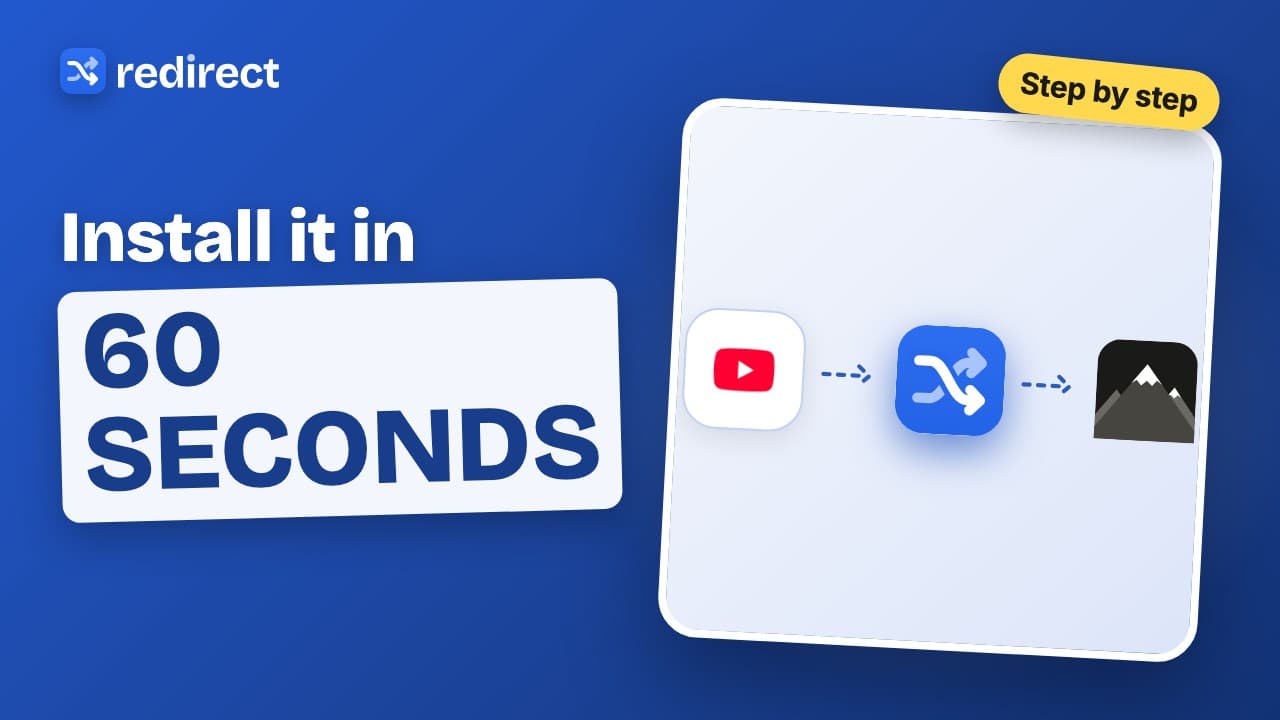 Length 0:45
How to install Redirect
Install Redirect from the Chrome Web Store, pin it, add your first site, and the next time you open it you land on your goals instead.
Watch the video →